
Finalising Approved Deliverables: Store Approved Assets Cleanly and Securely
Marketing and creative teams manage high volumes of deliverables across campaigns, product launches, digital content and compliance-driven assets. Once an item is approved, it needs to move out of the active workflow and into a secure, centralised location — ensuring teams are always working from the correct, final version.
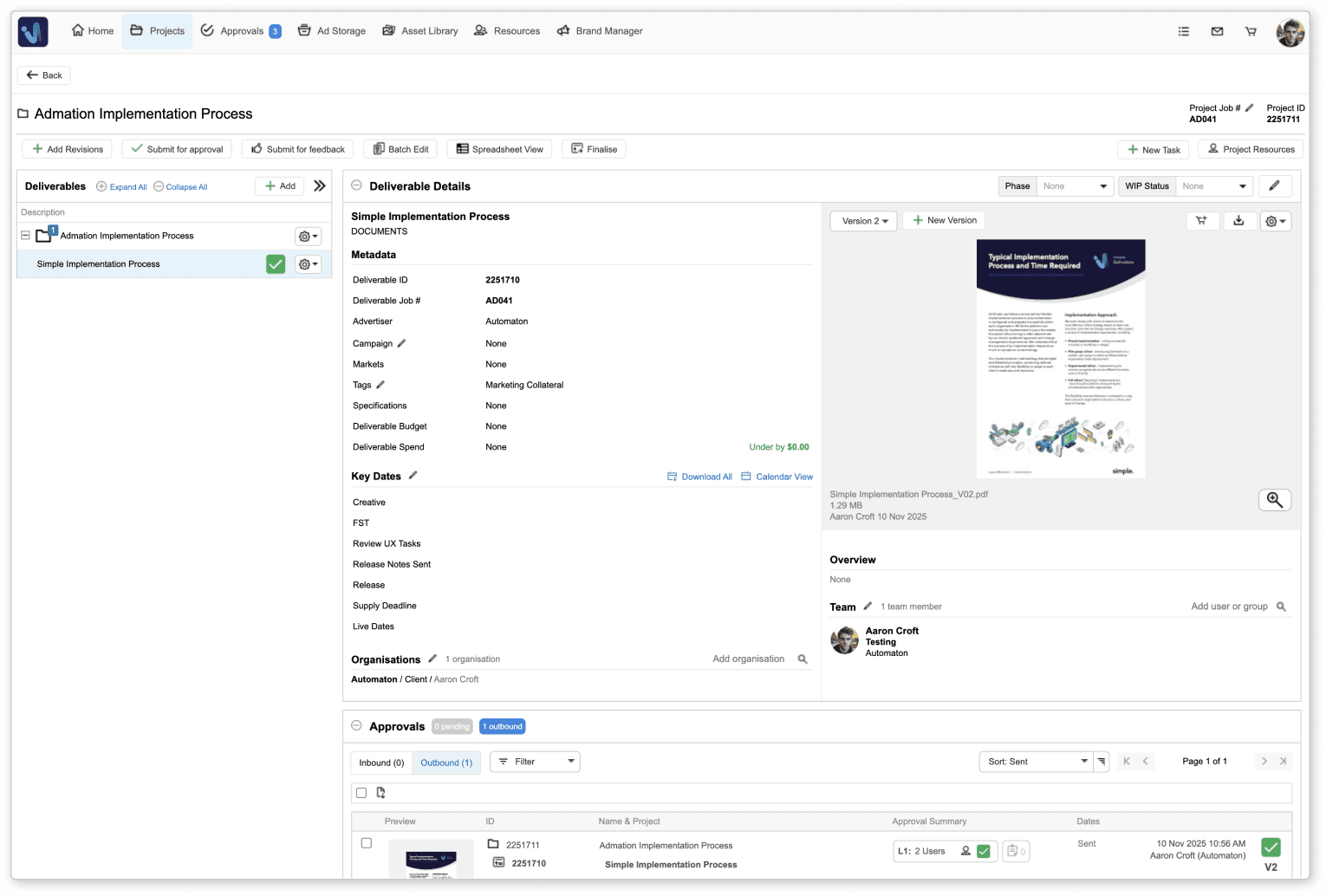
Admation’s Finalising Approved Deliverables feature makes this process seamless. Deliverables can be finalised directly from an email notification or from within the project in Admation. Finalisation removes the item from active workflows, secures it in Ad Storage and ensures it’s properly governed with confidentiality settings, usage expiry, and accurate version records.
This feature is used by marketing teams, creative studios, agencies, compliance teams and operations leaders who need clean workflows, reliable asset governance and confidence that approved work is correctly archived.
What Problem Does This Feature Solve?
Final approval is not the end of the job — teams still need a structured way to close off work, govern access and store assets properly. Without clear finalisation steps, approved items remain in active projects, cluttering workflows and increasing the risk of incorrect versions being used.
Admation solves this by providing a structured finalisation step that moves assets into Ad Storage with complete governance, transparency and audit history.
Without this feature, teams often struggle with:
- Confusion Over What Is Truly Final
Deliverables remain in active project lists even after approval, making it unclear which assets are production-ready. - Difficulty Retrieving Approved Assets
Approved files stored across inboxes, personal drives or ad-hoc folders make reuse and compliance checks time-consuming. - Lack of Governance Controls
Without confidentiality settings or usage expiry, outdated or sensitive assets may be used incorrectly. - Incomplete Audit Trails
Unfinalised deliverables lack documented status, increasing risk for regulated businesses that require traceable version history. - Manual Workflow Housekeeping
Project teams spend unnecessary time cleaning up approved items, tracking versions and ensuring files are archived correctly.
Admation removes ambiguity by formalising the step between “approved” and “final”, ensuring teams always know which asset is the correct and compliant version.
What Is the Finalising Approved Deliverables Feature?
Finalising a deliverable is the final workflow step before an asset becomes part of the organisation’s approved archive. Once all required stakeholders have submitted their approvals, the deliverable can be finalised directly from:
• The email notification confirming full approval, or
• The project view inside Admation.
During finalisation, users can:
• Apply confidentiality settings
• Set usage expiry dates
• Confirm metadata
• Securely store the deliverable in Ad Storage
• Make the asset available (or restricted) organisation-wide
Finalisation ensures every approved asset becomes a governed, traceable and easily retrievable marketing record.
Key Features
Finalisation from Email or Admation
Users can finalise a fully approved deliverable from the email notification or directly inside the project, ensuring nothing remains in active work unintentionally.

Confidentiality Settings
Mark sensitive deliverables as confidential so they only appear to designated stakeholders within Ad Storage.

Usage Expiry Controls
Set expiry dates to prevent outdated assets from being downloaded or sent to market, strengthening compliance.

Metadata Confirmation
Review and adjust key metadata before finalisation to ensure accurate categorisation, searchability and governance.

Automatic Archiving to Ad Storage
Finalised assets move into secure storage with thumbnail previews, filters, tagging and version access.

Audit-Ready Records
Every approval decision, timestamp and version is preserved, creating a complete audit trail.

Multi-Item Finalisation
Finalise deliverables one by one or in bulk for large campaigns with multiple creative assets.

Key Benefits
Clear Completion & Governance
Finalising deliverables creates a definitive end-point in the workflow, ensuring every approved item is stored correctly with full compliance and audit visibility.
Cleaner, Focused Worklists
Finished deliverables move out of active projects, reducing clutter and helping teams concentrate on work still in progress.
Accurate Asset Re-Use
Finalised assets are easy to locate and reuse, ensuring teams always work with approved, compliant versions for re-runs or future campaigns.
Built-In Compliance Controls
Confidentiality settings, expiry controls and recorded approval history reduce the risk of outdated or restricted assets being used.
Faster Navigation for All Teams
Marketing, creative, compliance and agencies gain a single source of truth for approved assets, improving collaboration and reducing version errors.
Reduced Administration
Automated finalisation and structured archiving replace manual clean-up, saving time and improving workflow efficiency.
How It Works
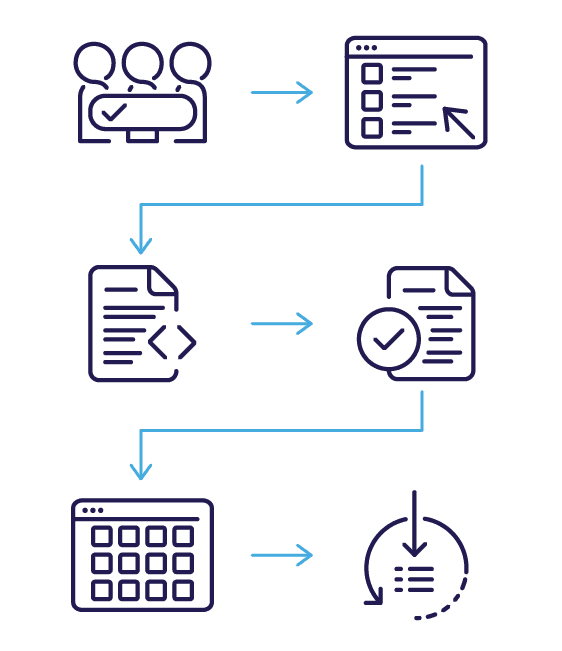
- Receive Approval Notification or View the Project
Once all required stakeholders approve, Admation notifies the project owner and enables finalisation. - Open the Finalisation Screen
Access finalisation via email (“Review Items”) or directly inside the project’s deliverables view. - Confirm Metadata & Settings
Set confidentiality, usage expiry and any additional governance requirements. - Finalise the Deliverable
The asset is locked as the approved version and moved into Ad Storage. - Retrieve from Ad Storage Anytime
Approved assets become part of the organisation-wide library for reporting, re-runs or compliance checks. - View Full Audit Trail
All approvals, comments and timestamps remain accessible for governance and regulatory review.
Use Cases
Marketing Teams
Archive completed assets and keep only in-progress work visible for smooth campaign management.

Creative Studios & Agencies
Ensure approved work is stored in a secure, searchable archive for future re-use and project reruns.

Brand & Compliance Teams
Access only final, approved, compliant assets with clear governance and expiry controls.

Retail & E-Commerce Teams
Quickly retrieve approved assets for seasonal relaunches, digital campaigns or consistent multi-channel execution.

Project Managers & Operations
Reduce admin, maintain clean workflows and ensure all deliverables follow a standardised completion process.

Challenges The Finalising Assets Feature Solves
Scattered Approvals
Teams approve via email or chats, creating unclear sign-off paths and making it hard to confirm whether a deliverable is actually finished and ready for market.
Unclosed Projects
Deliverables remain active even after approval, cluttering project lists, confusing teams and making it difficult to focus on current work.
Missing Audit Records
Unfinalised assets lack structured governance, increasing risk when retrieving approved materials for compliance checks or regulatory audits.
Incorrect Asset Use
Without expiry settings or confidentiality controls, outdated or sensitive assets may be downloaded or reused incorrectly.
Inefficient Retrieval
Approved assets scattered across inboxes or folders make it difficult to locate final versions later for re-use, re-runs or reporting.
Version Ambiguity
Teams can mistakenly work from pre-final versions when the deliverable hasn’t been formally finalised into Ad Storage with clear status indicators.
Manual Administration
Project owners spend unnecessary time managing approvals and housekeeping tasks instead of relying on an automated workflow step.